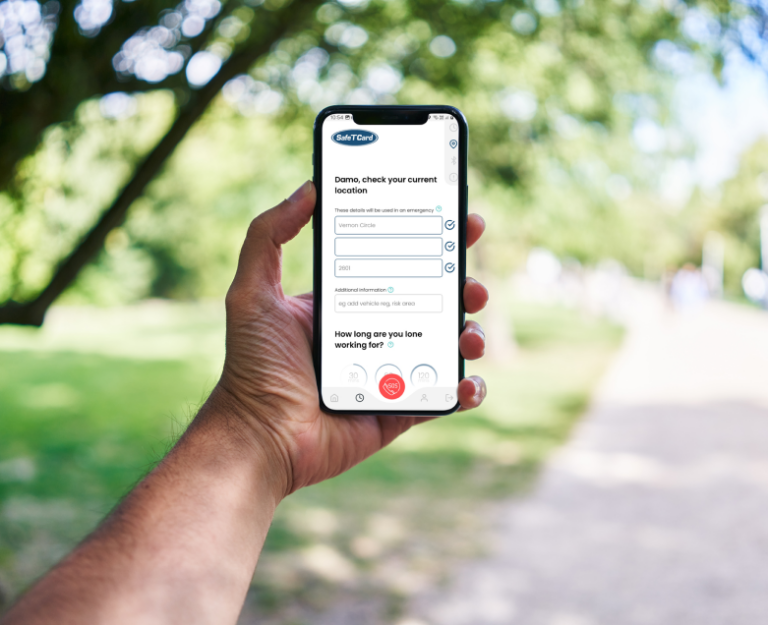
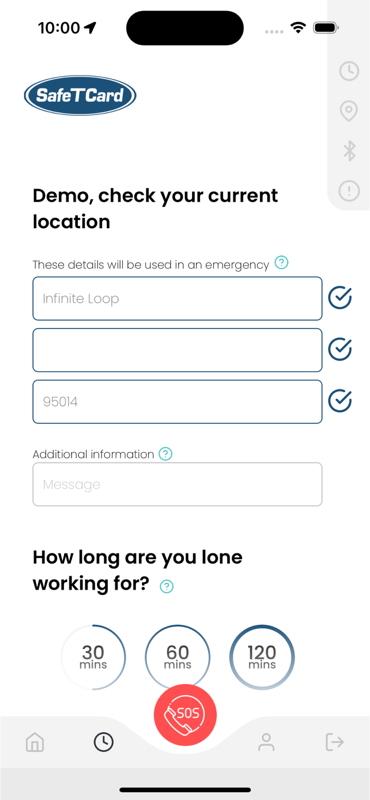
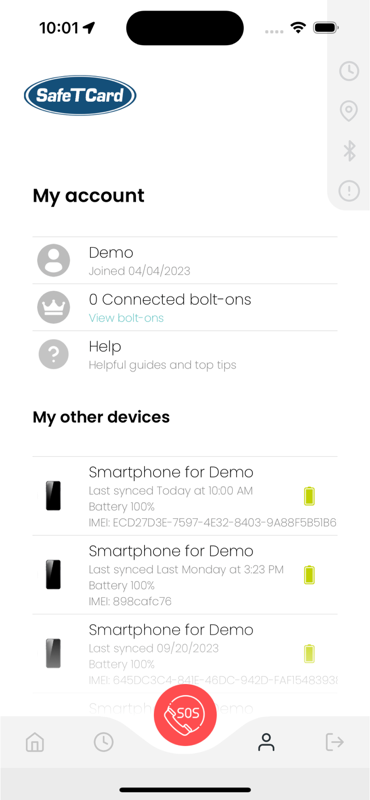
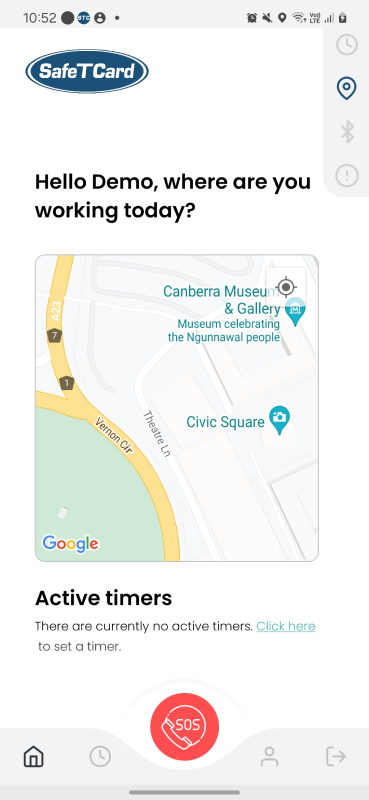
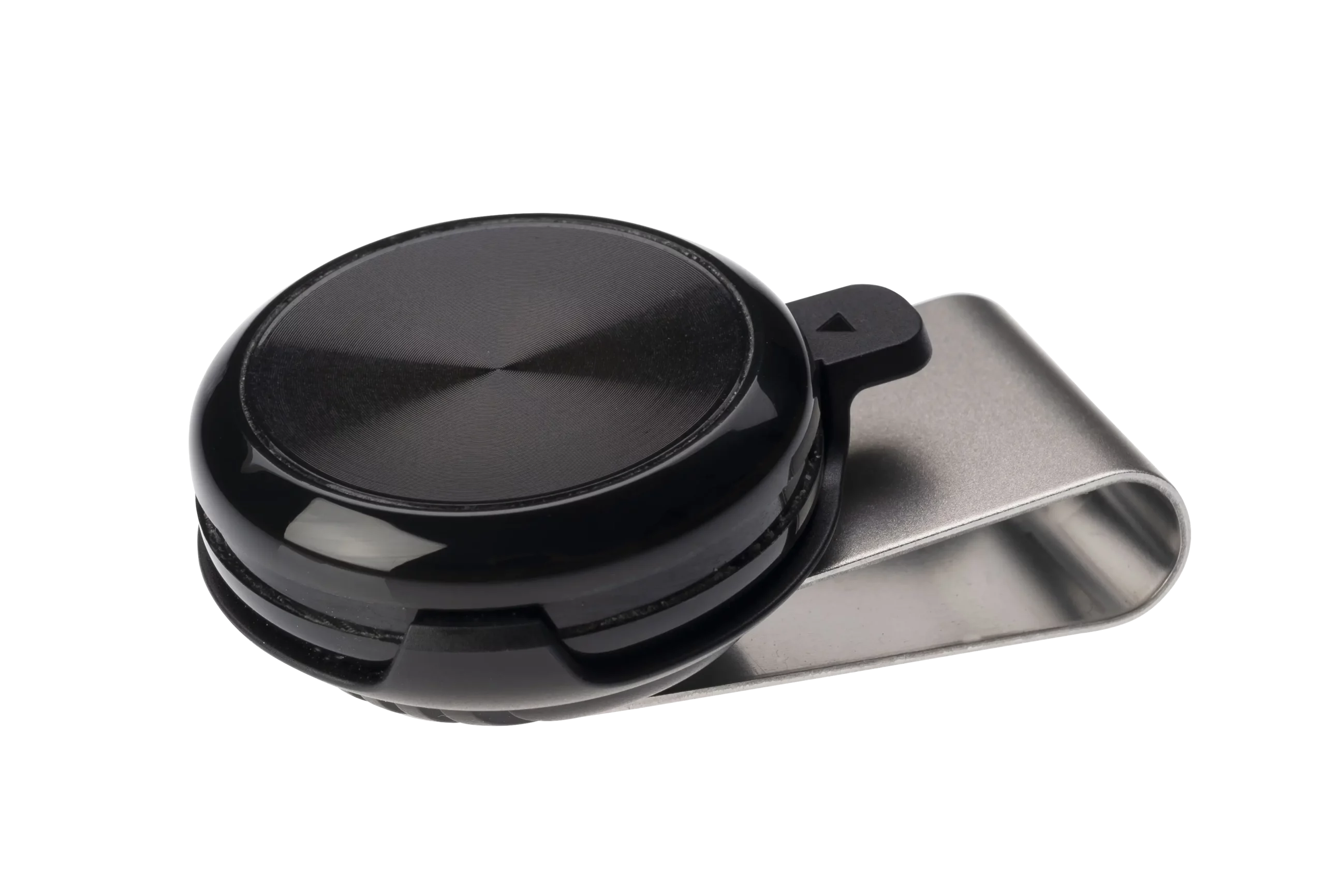

From $1/day Our lone worker safety app turns your phone into a powerful personal safety device. A Bluetooth button is also available for even quicker access.

  1. 1
    SOS alert. One tap (or double tap) sends a distress signal instantly
  2. 2
    Fall alert. Automatic detection if you’re incapacitated
  3. 3
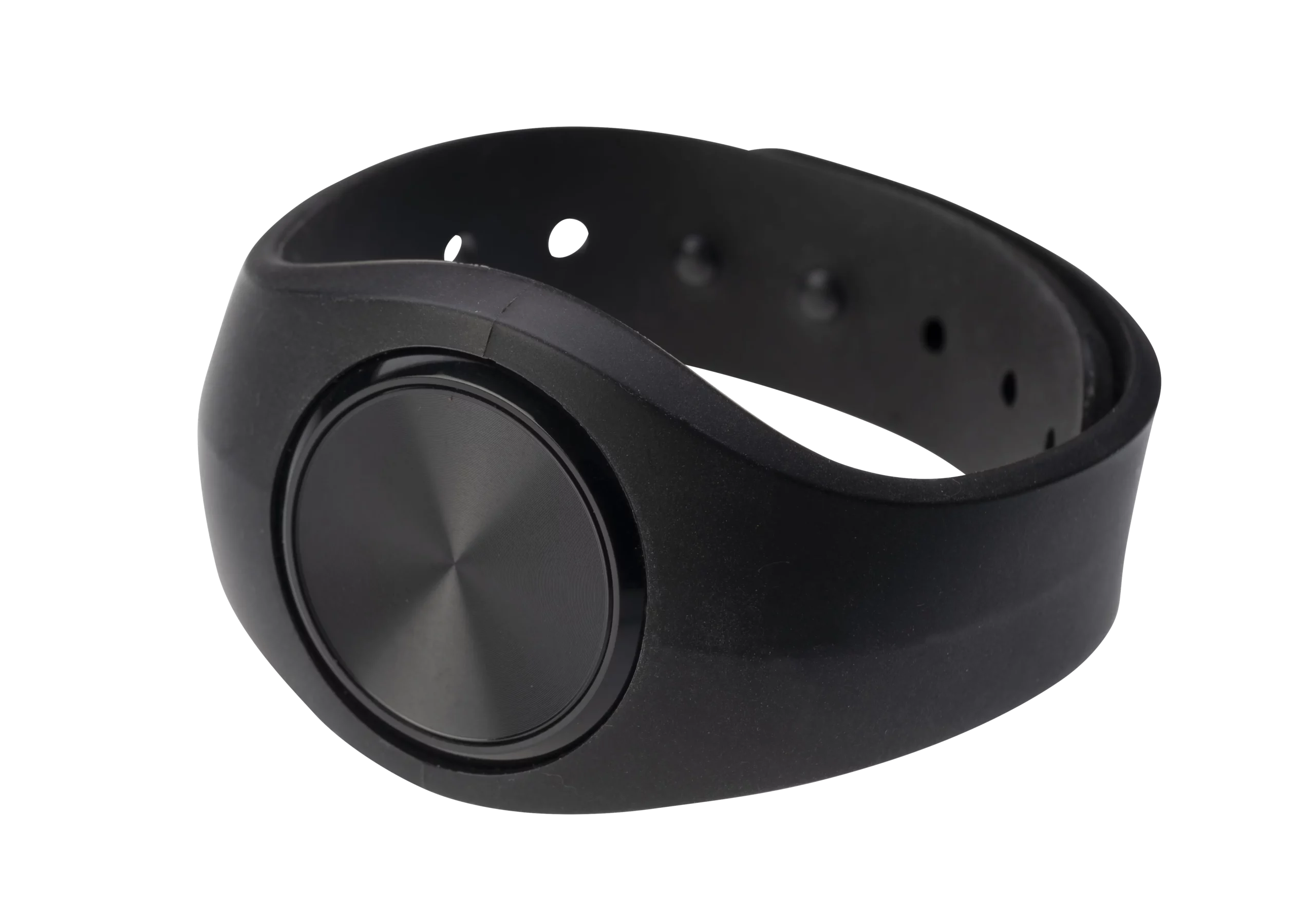
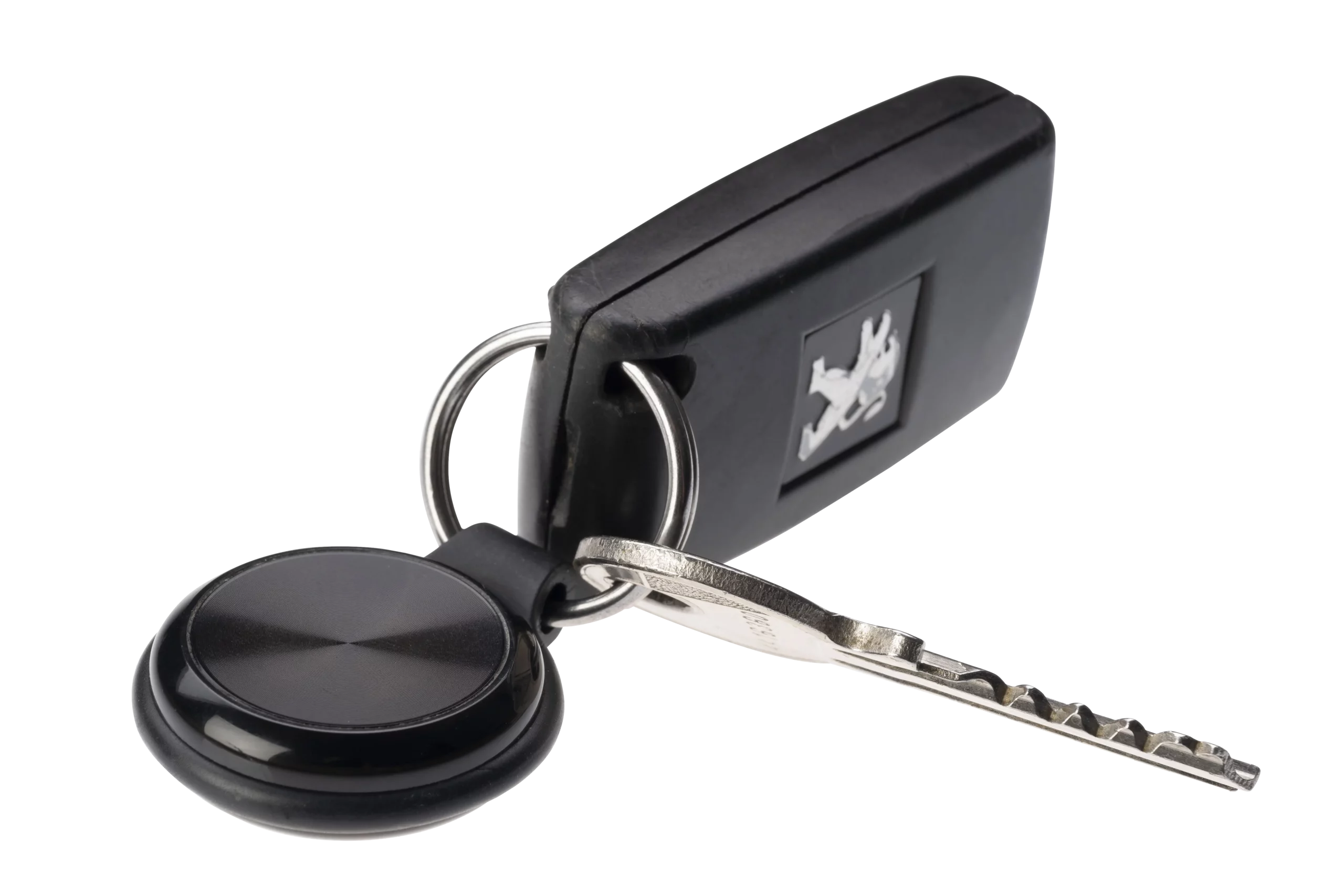
    Bluetooth button. For quick, discreet alerts
  4. 4
    24/7 Alarm Receiving Centre. Always on, always ready to help
  5. 5
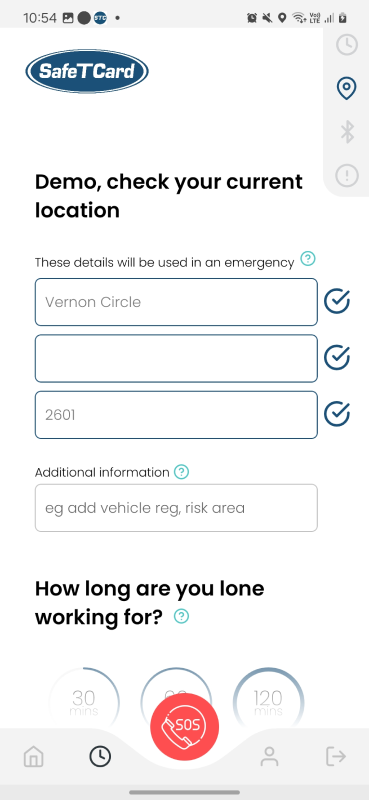
    Location check-in timer. Easy check-in/out for lone or remote workers
  6. 6
    One & two-way audio. Call for help or communicate with responders when needed
  1. 1
    Check in check out works as a timer for better security
  2. 2
    Our unique Australian-owned ASIAL-certified Grade A1 Alarm Receiving Centre is operated in-house, 24/7 for constant access to support
  3. 3
    For app users, we will offer a “how to use” guide as a reference
  4. 4
    All data received is securely stored in Australia in accordance with data sovereignty legislation
  5. 5
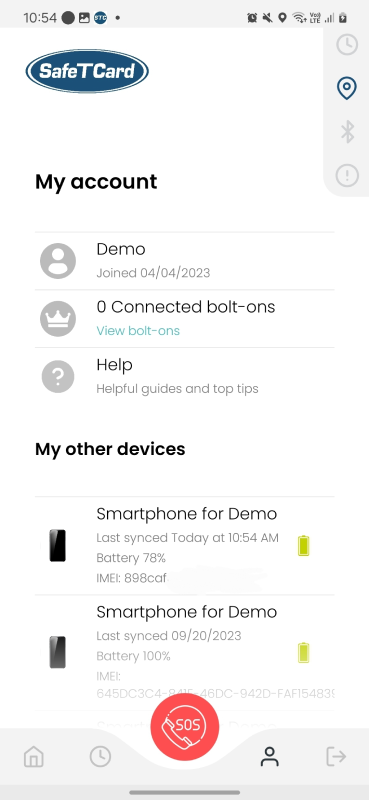
    A SafeTCard App Workforce Management Portal is provided to team leaders to manage product usage
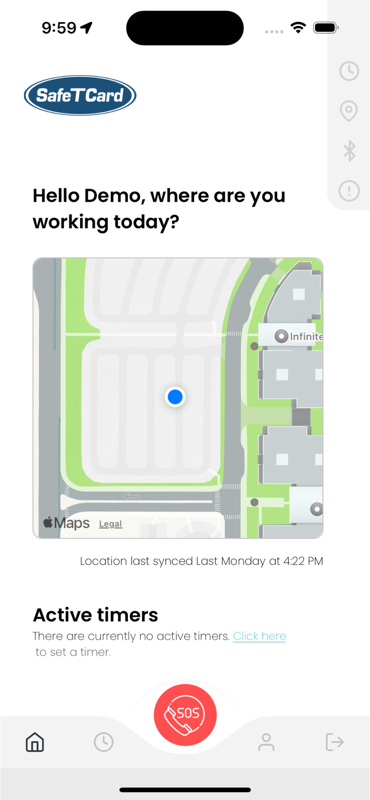
SafetCard Lone Worker App Interface
1
Easily activate alert functions in any circumstance
Simple double tap alert activation
2
Bluetooth button available
Allows for fall alert function and quicker activation
3
Constant access to a dedicated support team 
ASIAL grade A1 Alarm Receiving Centre
4
Immediately locate your team in an emergency
GPS technology updates every 60 seconds
5
Communicate with your team and support network any time
Two-way communication capabilities
6
Keep abreast of your team and their status throughout the day
Check-in/out prompts and easy status updates
7
Effectively manage incidents through the safety application
User-focused, easy-to-operate mobile lone worker safety app
Mobile App ImageMobile App ImageMobile App ImageMobile App ImageMobile App ImageMobile App Image
Bluetooth switch key fob
Simple double tap for SOS alert

Location activated; alert sent to Alarm Receiving Centre
Recording starts, operator accesses information associated with the device
The operator listens to what is occurring and responds appropriately
Emergency services are dispatched to your GPS-tracked location

Help is on the way!
Safety devices to secure your workforce

We protect workers in over 350 Australian companies

SafeTCard App Brochure
Have confidence when working out of sight with the SafeTCard Mobile App.
Download
Products Brochure
Get our latest product brochure with vast range of information on the specification of the product.
Download
Dynamic Risk Assesment
This page from Safe Work Australia has information and resources on how to manage risk in the healthcare and social assistance industries.
Download
Ready to Download?
Complete the Form and We'll Send You the File Straight Away!
1
What happens when an alert is activated?

When an alert is activated, the SafeTCard device automatically calls our 24/7 Alarm Receiving Centre. The operator can immediately view the device’s linked information — such as the user’s details, employer, escalation contacts, and any specific instructions. They can also listen to what is happening around the device.

The operator then assesses the situation and responds based on what they hear. This may include contacting your escalation contacts or dispatching emergency services if needed.

All audio captured during the alert is securely recorded at the Alarm Receiving Centre and can be provided to Police upon request.

The device also works with GPS to send your location.*
*GPS may be unavailable indoors. If you are not at a fixed site, you can use the Yellow Voice feature to provide your location verbally.

2
How do I activate an alert?

Alerts can be activated in several ways. You can press the button to raise a Red Alert, or pull the lanyard to release the pin and trigger a Rip Alert. If the device is dropped from around chest height, it will detect the impact and automatically send an Incapacitation Alert.

3
What quality management systems does SafeTCard have in place?

SafeTCard Australia is ISO9001 compliant, meeting all Australian and International Government Quality Assurance (QA) requirements.

4
What monitoring do you offer?

SafeTCard devices are monitored by our AS/NZ Certified Grade A1, 24/7 Alarm Receiving Centre — the highest certification level awarded by the Australian Security Industry Association Limited (ASIAL). Our centre undergoes regular independent audits to maintain these high service standards.

Trusted by government agencies and other high-security organisations, SafeTCard also meets all Government Privacy Laws and compliance requirements.

5
What kind of ongoing support is available?

SafeTCard provides comprehensive, ongoing support for the entire duration of your contract, delivered by our dedicated support team.

6
What training is available?

We offer a learner-directed online training platform which can be accessed at any time. Staff will watch a series of videos and complete activities using their device. A SCORM file can also be added to your internal Learning Management Systems.

7
Can the SafeTCard Application be shared?

No, as the lone worker app is used on individual phones it cannot be shared.

8
Are staff being tracked?

As the lone worker app uses phone data, breadcrumb positioning is accessed.

9
What are the phone requirements?

To be able to run the SafeTCard lone worker app on your phone, please find below the minimum requirements:

  • Android OS: Operating System 6.0 or above
  • Apple IOS: Operating System 12.4 or above

Still curious? Our team can help.

Discover your perfect safety solution
Tell us what you need, and we’ll tell you what works
we recommend:
Pulse+ Fob
The reliable, budget-friendly, waterproof safety alarm
SafeTCard Pulse Fob